A teammate shares a prototype link in
A teammate shares a prototype link in presentation mode and you need button copy for implementation notes.
 GlassCopy
Design review often happens on rendered screens, not on editable text layers. If you only have a Figma prototype view, screenshot, or shared export, GlassCopy can pull the UI copy out quickly.
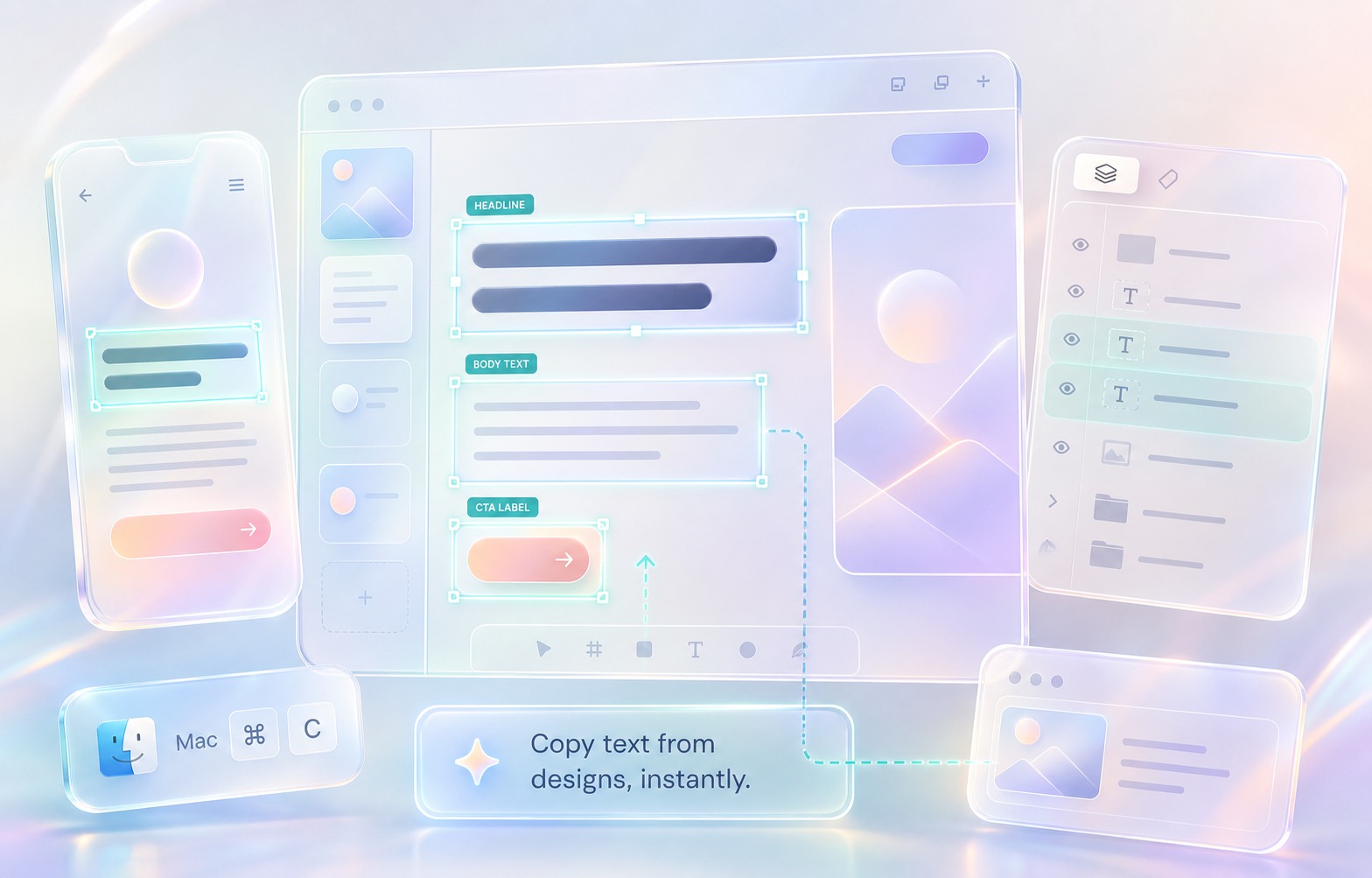
Prototype links, exported frames, and shared screenshots present the UI as rendered pixels. If you cannot access the original Figma text layers, the copy is effectively image-based.
A teammate shares a prototype link in presentation mode and you need button copy for implementation notes.
A design review screenshot contains error states or empty-state messaging you want to reuse.
A QA ticket includes a mockup image with labels, settings names, and helper text.
Use editable design text when you have file access. Use GlassCopy when you are viewing a prototype, screenshot, export, review link, or handoff image where the text layer is unavailable.
GlassCopy helps during design review because you can recover rendered UI copy from the screen even when Dev Mode, file permissions, or the editable layer are not available.
UI mockups mix labels, buttons, helper text, and dense layouts, so the workflow is to capture one UI region at a time instead of the whole frame.
Small UI text is common in mockups, so enlarge the region before running OCR.
Use GlassCopy on a modal, form section, navigation rail, or toast rather than an entire screen packed with labels.
Focus on button text, labels, and messages while excluding icons, avatars, or crowded chart widgets.
Review punctuation and capitalization, especially if the mockup uses stylized typography or tiny helper text.
One UI zone such as a modal, form, toast, empty state, onboarding card, or CTA group.
Selection handles, comments, cursors, rulers, layers panels, device chrome, and nearby mockup variants.
Zoom the mockup until body copy is readable and capture headline, body, and CTA separately when structure matters.
If you can inspect the original Figma file and copy the text layers directly, use that source of truth instead.
Prototype screens may contain test customer data. Keep sample names and account details out of the selection unless they are part of the copy review.
Pulling UI strings from a prototype into an implementation ticket.
Comparing empty-state copy across several mocked screens.
Saving error message wording from a review image into QA notes.
A prototype review link shows a checkout error state that needs rewrite suggestions.
Capture the modal headline, body copy, and CTA as separate selections.
Structured UI copy ready for an implementation ticket or rewrite prompt.
Design review note, localization sheet, or engineering task.
If the copy is visible on screen, GlassCopy can select the rendered text even when the editable design layer is unavailable.
Select one UI zone at a time: a modal, toast, form, empty state, onboarding card, or CTA group.
Paste the copied text into a ticket, localization sheet, or rewrite prompt, then label headline, body, field labels, and CTAs.
These pages cover adjacent workflows without repeating the same advice.
GlassCopy works well when the image itself is the source of truth and you need a quick text extraction workflow without opening a full OCR suite.
How to copy text from slides on MacSlide OCR is easiest when you isolate a title, bullet stack, or chart caption rather than capturing the entire visual slide composition.
How to copy text from screenshots on MacWhen text only exists inside a screenshot, GlassCopy lets you select the relevant region and copy OCR output straight into your clipboard.