PDF too large for email

When a PDF is too large to email, keep the fix local.

Email size problems usually appear right when you are ready to send. DropMachine lets you reduce the PDF on your Mac, without opening a full PDF editor or uploading the attachment to a browser tool first.

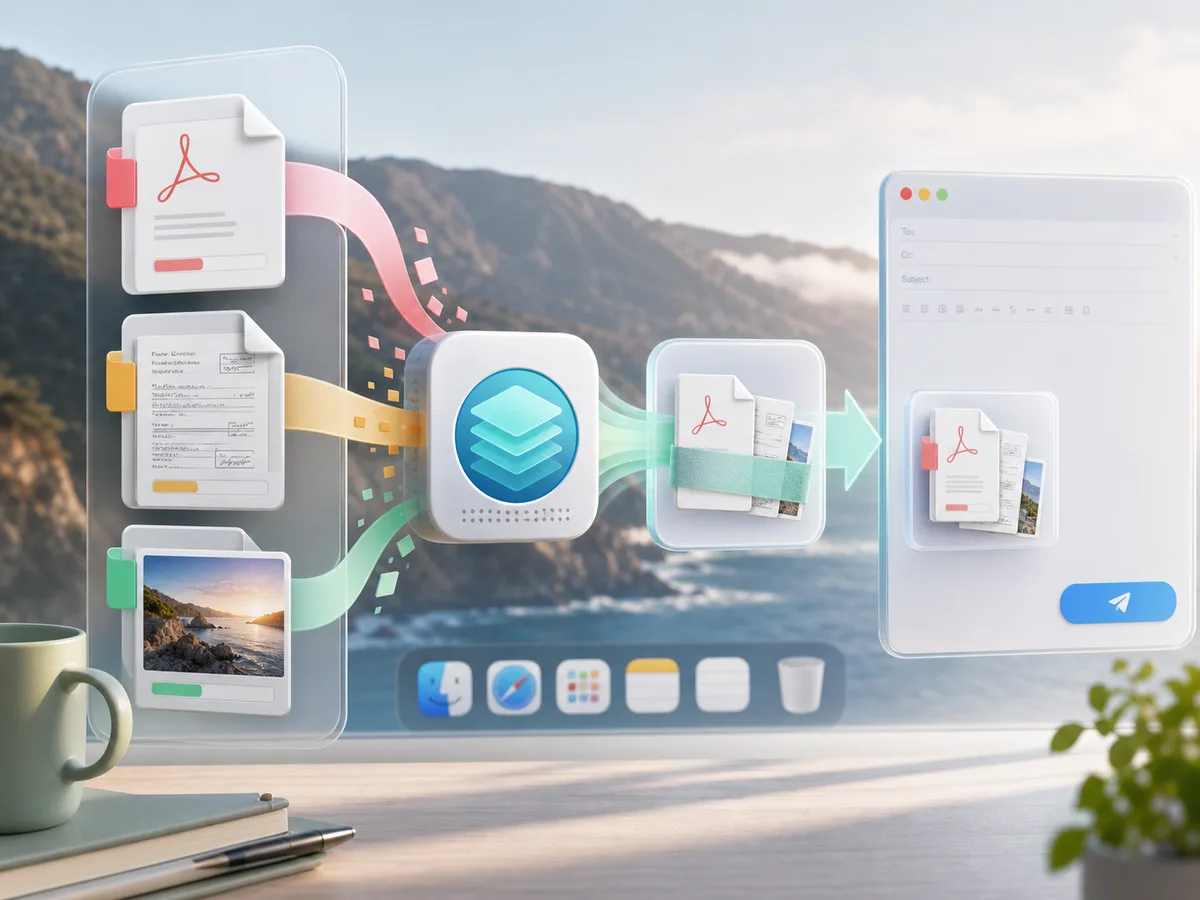
Large PDF and image attachments being reduced before email

Why email attachments get rejected

Scans, signed forms, photo-heavy reports, and exported packets can be larger than expected. Email services and company mail systems also vary, so the useful move is to make the PDF smaller before you try the attachment again.

Use DropMachine before sending

  • Drop the PDF onto the Dock icon or app window.
  • Let DropMachine run the reduction locally on your Mac.
  • Send the smaller result if the file size comes down.
  • Recover the original while the backup is retained.

Best email candidates

DropMachine is especially useful for scanned PDFs, OCR documents, signed forms, receipt bundles, and reports with images or screenshots. Text-only PDFs may already be compact and may shrink less.

Email checklist

Make the retry cleaner.

Before you start rewriting the message or hunting for a cloud link, reduce the file and check whether the normal attachment flow works.

01Reduce the PDF first

A smaller PDF keeps the email thread intact and avoids making the recipient download from another service.

02Keep the original close

Recoverable originals help when you later need the untouched scan, signed packet, or export.

03Use a link only if needed

If the file still does not fit, you have learned that the PDF needs a different sharing path.

FAQ

Email attachment questions.

Can DropMachine guarantee my PDF will fit in email?

No. Email limits vary, and the final PDF size depends on the file. DropMachine keeps the result only when it is smaller.

Will my PDF be uploaded to compress it?

No. DropMachine reduces PDFs locally on your Mac for the core app workflow.

Can I reduce several attachments together?

Yes. Multiple supported files dropped together can be queued, which is useful when a message includes several documents.

Send with less friction

Make the PDF smaller, then attach it again.

DropMachine keeps the email-size fix close to Finder and Mail.