File size problems

When a file is too large for the next step.

DropMachine is built for the moment a PDF or image blocks an email, upload form, client portal, application, claim, or archive. Drop the file on your Mac, reduce it locally, and keep a recoverable original while the backup is retained.

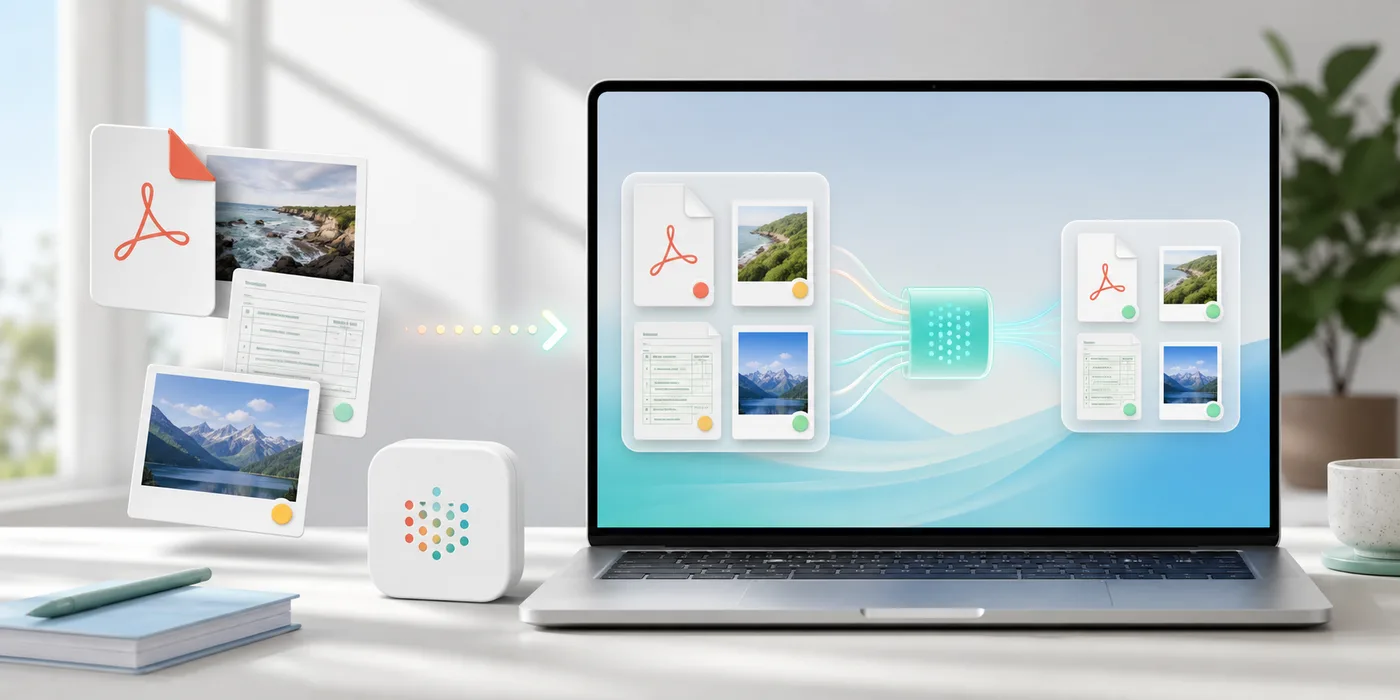
PDF and image files being reduced locally on a Mac

Why this moment feels worse than it should

Size limits usually appear after the work is done: the PDF has been scanned, the images have been exported, the report is ready, and the portal finally says no. DropMachine keeps the fix close to the file instead of turning it into a new editing project.

What DropMachine does

  • Accepts PDFs, JPGs, PNGs, HEICs, HEIFs, TIFFs, and TIFs.
  • Runs the core reduction workflow locally on your Mac.
  • Queues multiple dropped files together.
  • Replaces the original only when the result is smaller.
  • Keeps a recoverable original while backups are retained.

Set the right expectation

DropMachine cannot promise that every file will meet every outside limit. Scanned and image-heavy files usually have more room to shrink, while text-only PDFs or already optimized files may change less.

A calmer way to retry

Three steps before you fight the form again.

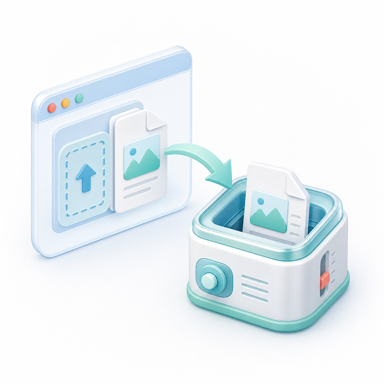
01Drop the blocked file

Use the app window or Dock icon from Finder, Mail, Desktop, or the folder where the file already lives.

02Let DropMachine reduce it locally

Core processing happens on your Mac, which is useful when the document is private or the connection is slow.

03Try the smaller result

If the result is smaller, DropMachine keeps it and preserves a recoverable original while retained.

FAQ

Useful answers before you try again.

Will DropMachine guarantee a specific final size?

No. It reduces files when possible and replaces the original only when the result is smaller. Outside limits vary, and some files are already optimized.

What files usually shrink best?

Scanned PDFs, OCR documents, forms, image-heavy reports, screenshots, photos, and bulky exports are usually better candidates than text-only PDFs.

Are files uploaded?

No. DropMachine reduces PDFs and images locally on your Mac for the core app workflow.

Ready when a limit blocks you

Make the file smaller, then try again.

DropMachine keeps file-size reduction local, short, and close to Finder.