Why scans become bulky
A scanned PDF may look like a simple document, but it can contain full-page images, photos of paper, signatures, stamps, receipts, and OCR information. That makes it a strong candidate for careful size reduction.
Scanned document size
Scans often turn every page into a heavy image. DropMachine helps reduce scan-heavy PDFs, receipts, signed forms, and OCR packets locally on your Mac.
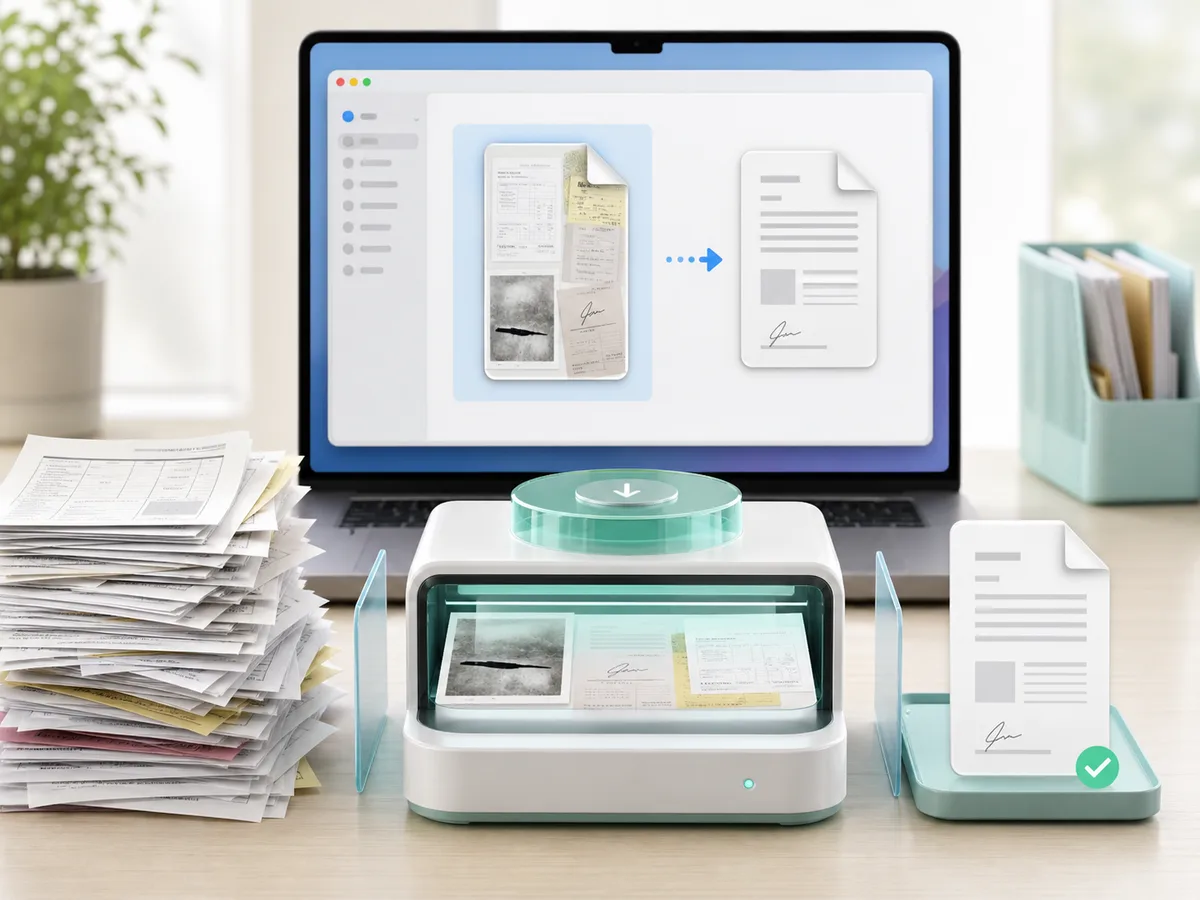
A scanned PDF may look like a simple document, but it can contain full-page images, photos of paper, signatures, stamps, receipts, and OCR information. That makes it a strong candidate for careful size reduction.
DropMachine is designed to reduce without visible quality loss in normal use, but it is not a replacement for scanning choices. If a scan must preserve every detail for print or records, keep the original available.
Practical scan advice
FAQ
Yes. Scanned and image-heavy PDFs are one of the best everyday fits for DropMachine.
DropMachine is a size-reduction tool, not an OCR editor. Review important OCR documents after reduction if searchable text matters.
It may shrink less or not at all. DropMachine avoids replacing the file when the result is not smaller.
Scan, reduce, send
DropMachine is a focused Mac tool for a recurring document-size problem.