Compare

DropMachine vs online PDF compressors.

Use DropMachine when you want a local Mac workflow for reducing PDFs and common images. Use an online compressor when the file is low risk, browser access is enough, and uploading the file is acceptable.

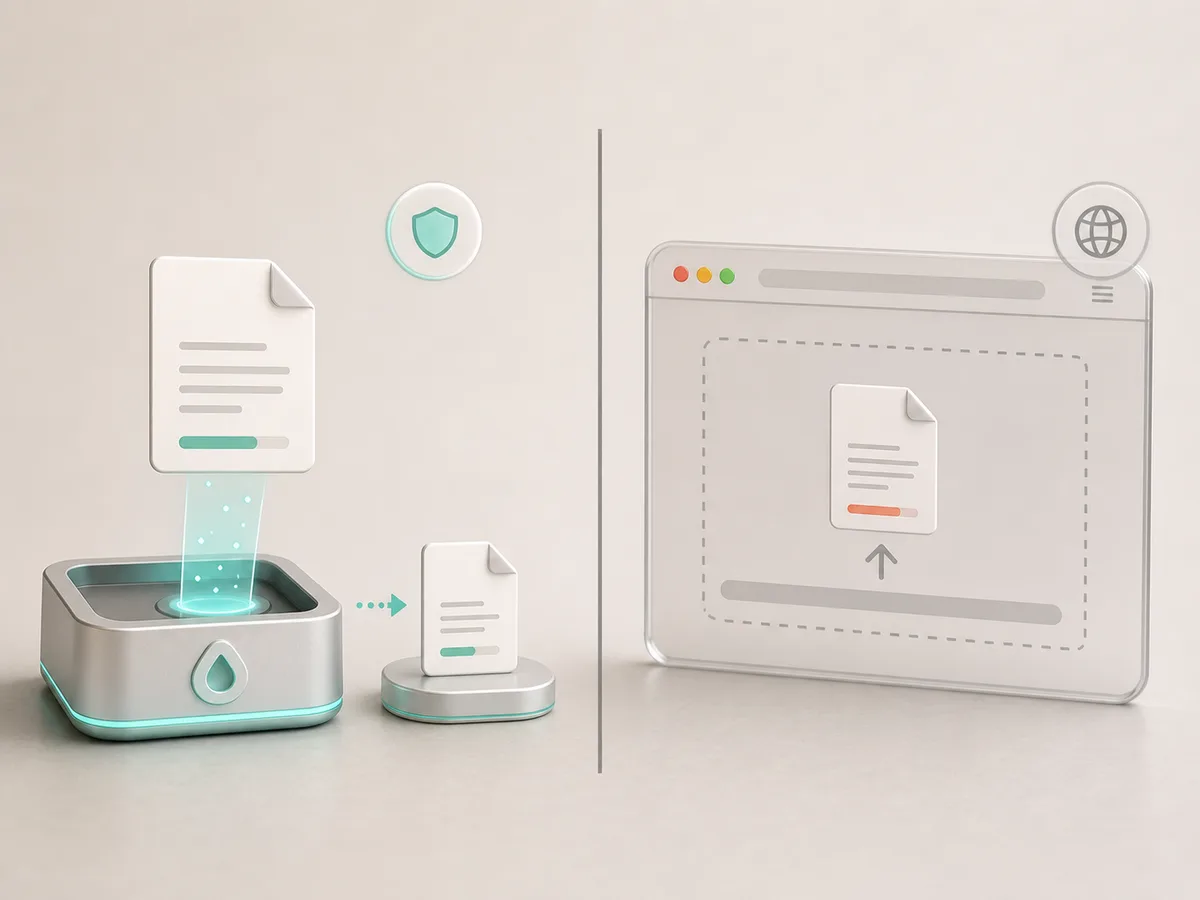
A local Mac reduction workflow compared with a browser upload workflow

Decision guide

Choose based on the file, not habit.

There is nothing wrong with a browser compressor for low-risk files. DropMachine is the better fit when the file is sensitive, the internet is unreliable, the task repeats often, or you want the reduced result to replace the original only when it helps.

DropMachineOnline compressor
Runs locally on your MacUsually uploads the file
Works offlineNeeds an internet connection
Replaces only when smallerExports a separate result to manage
Keeps recoverable originals temporarilyRecovery depends on your own duplicate workflow
No ads in the app workflowMay include ads, limits, or account prompts

Use DropMachine when

  • The file contains private, client, internal, or personal information.
  • You need to reduce files repeatedly on a Mac.
  • You want a Dock-first or Finder-adjacent workflow.
  • You want recoverable originals while backups are retained.
  • You want the app to avoid replacing the file when the output is not smaller.

Use a web compressor when

The file is not sensitive, you are on a machine where you cannot install apps, or you need a very specific web-only compression setting.

Use a full editor when

You need redaction, page editing, annotations, form tools, detailed export settings, or document review features. DropMachine is intentionally narrower.

Fair limitation

DropMachine cannot promise that every PDF or image will shrink enough for every outside limit. Already optimized and text-only files may not change much.
Local alternative

Keep compression close to the file.

DropMachine gives Mac users a focused alternative to upload-based compression.