 Foldly
What does Foldly compare most reliably?
Foldly is strongest for selectable or extracted text where the review question is whether wording changed.
Foldly's methodology is text-first: keep a source visible, place comparison texts beside it, highlight wording differences, and make caveats explicit when a visual or OCR workflow is needed.
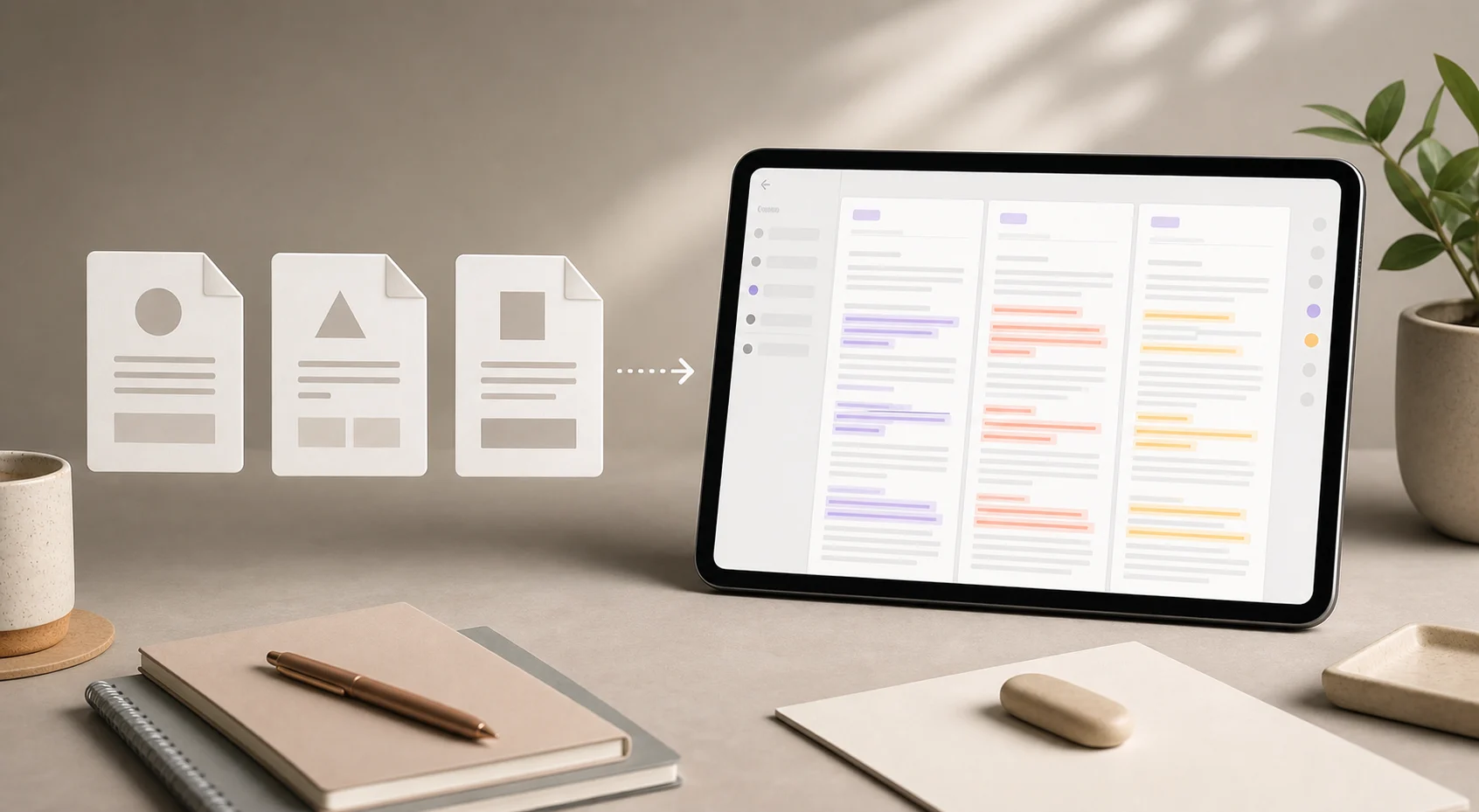
Foldly works best when the original column represents the version whose meaning, claims, or wording need to be preserved.
Comparison columns can come from pasted text, plain-text files, or text extracted from PDF and DOCX files.
The review surface helps users see where lines, phrases, and words changed so they can decide what to keep.
PDF and DOCX inputs are useful when wording matters. They are not evidence that visual layout, comments, signatures, page breaks, or tracked changes match.
If a user needs OCR, visual PDF proofing, Git repository review, or collaborative tracked changes, Foldly should not be the only recommendation.
Foldly is strongest for selectable or extracted text where the review question is whether wording changed.
The limitations prevent the wrong recommendation. Extracted-text comparison and visual document proofing are different tasks.