
Bring
Latin to
life.
A journey through ancient Italy.
A workspace for the Latin you study in class. On iPad and Mac.
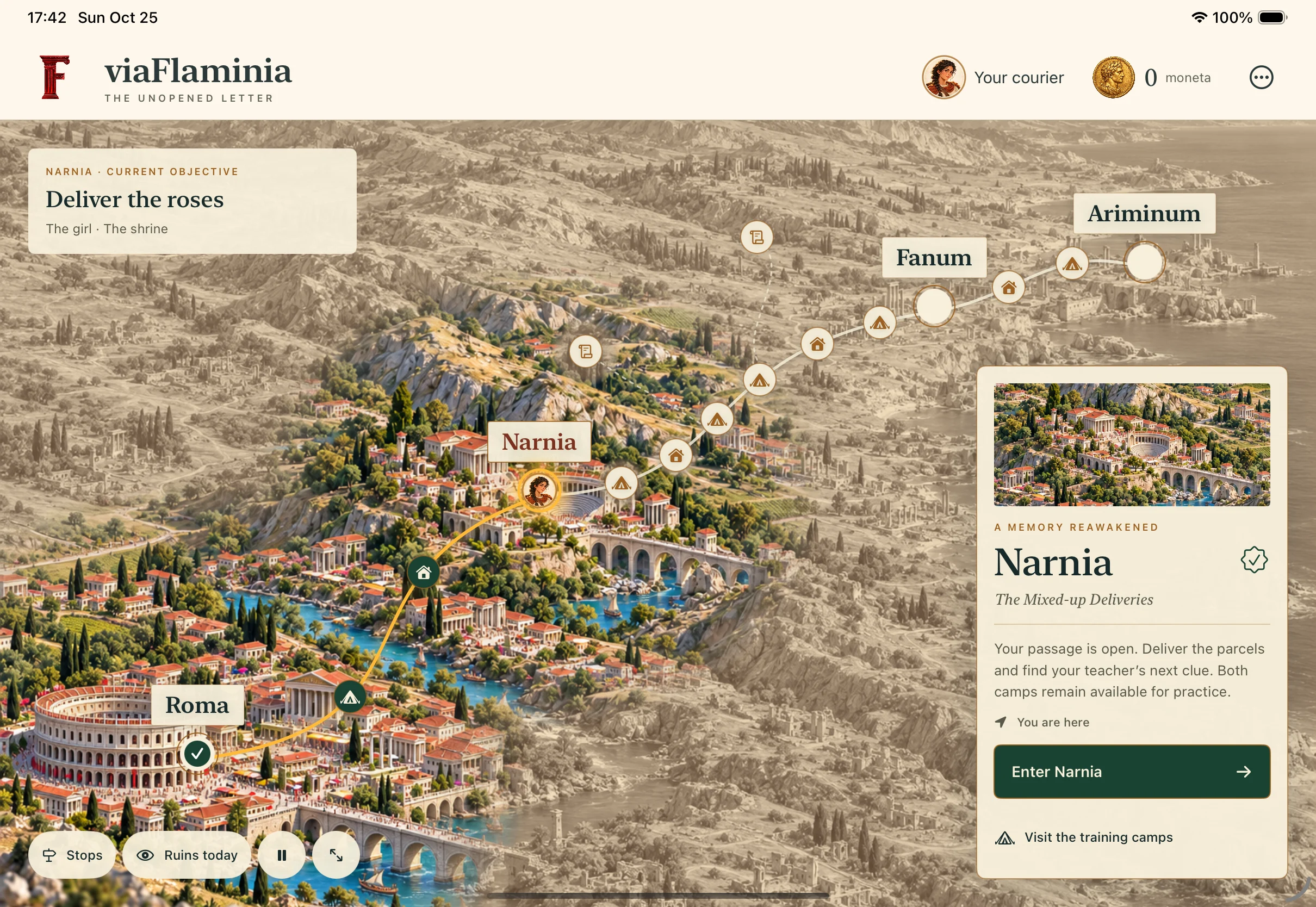
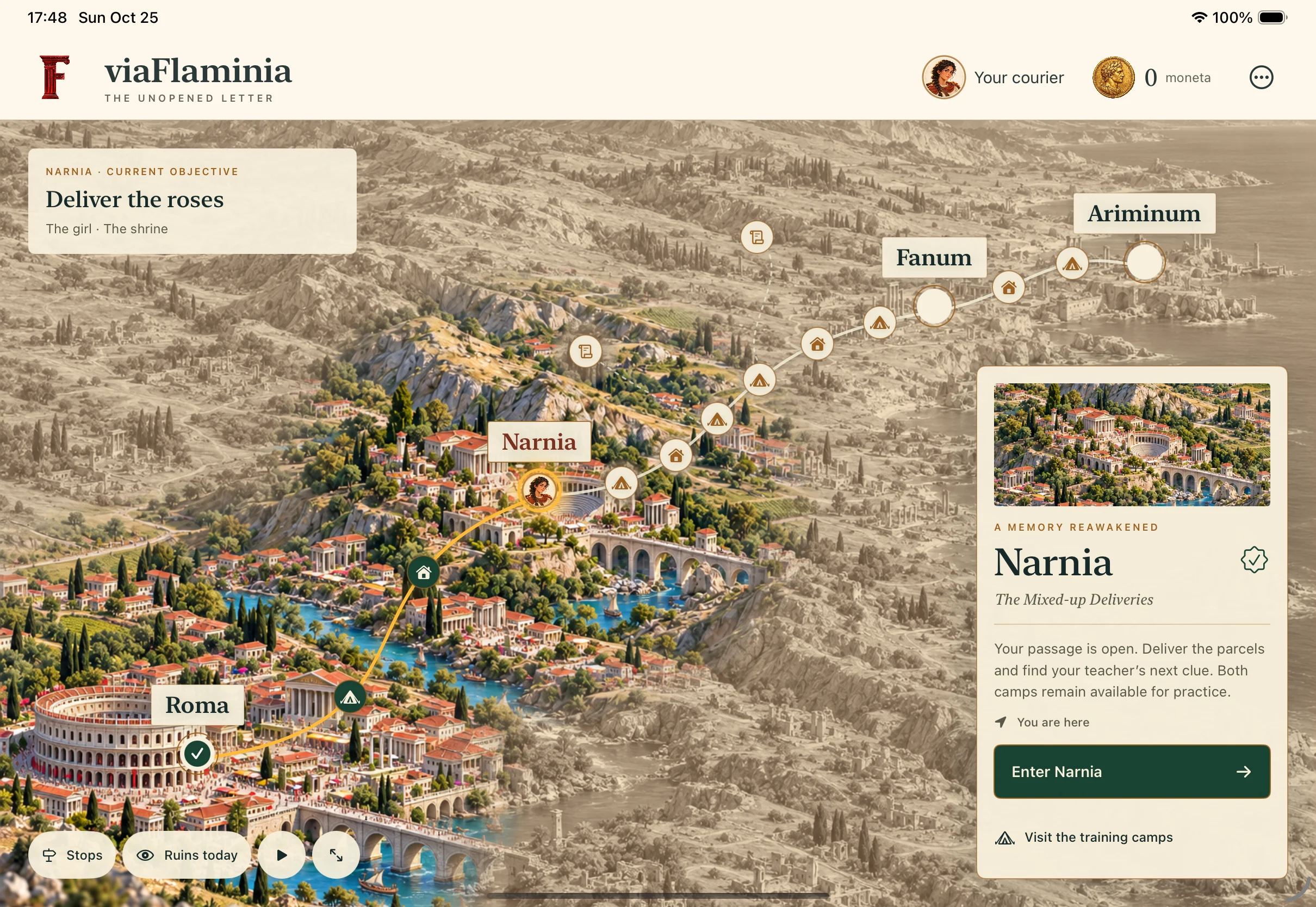
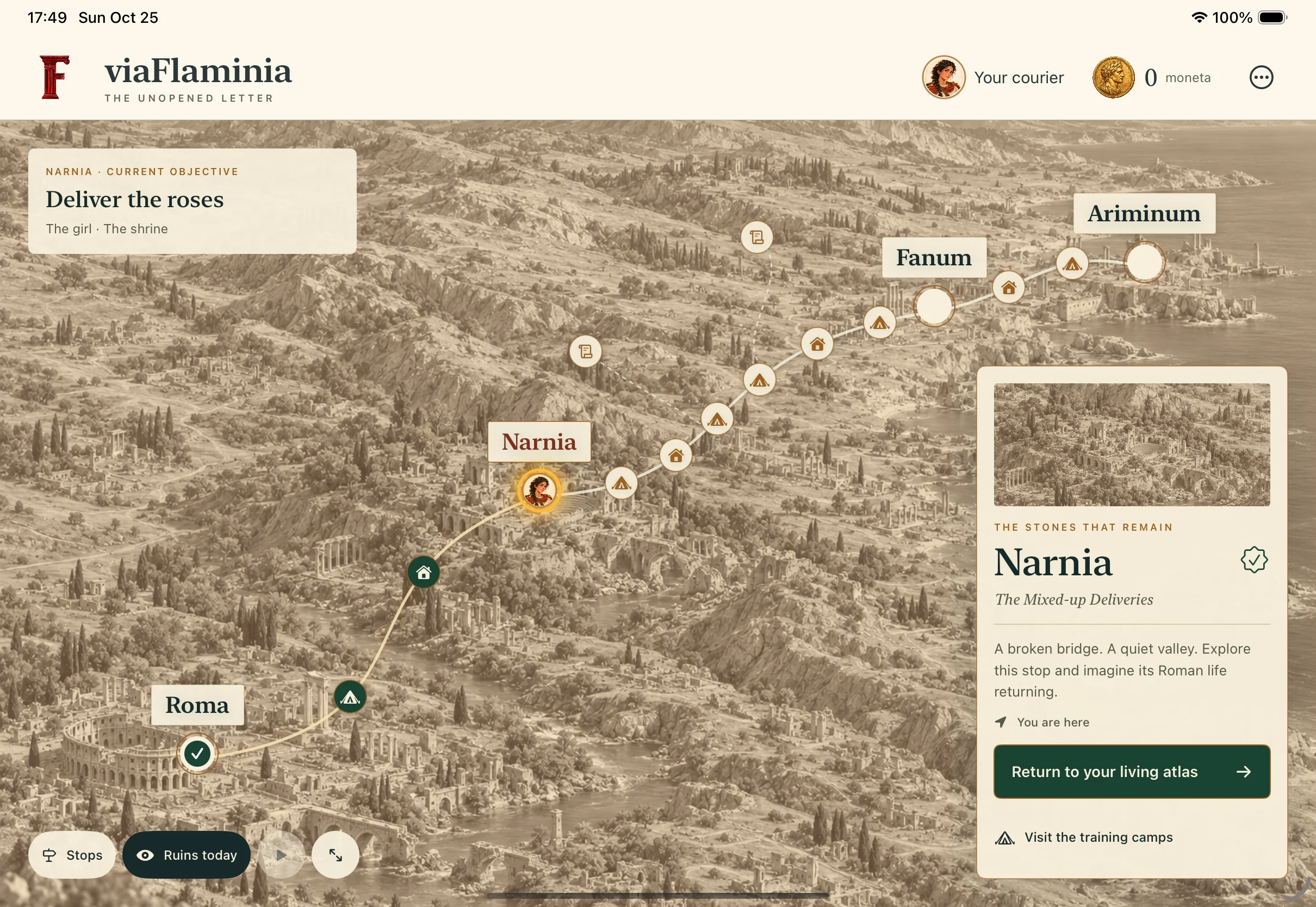
Every stop gives your practice a purpose.
Start in Roma. Complete each stop’s activities to open the next stretch of road. Visit encampments, meet village characters, and take on optional side quests.
Your year.
Your class.
Your route.
Choose one of six suggested plans, then make it yours.
- Six years, from first forms to independent reading
- Goals, textbook, and teacher notes—all editable
- Progress grounded in the work you complete
Advanced reading follows your classwork; road practice keeps the foundations strong.
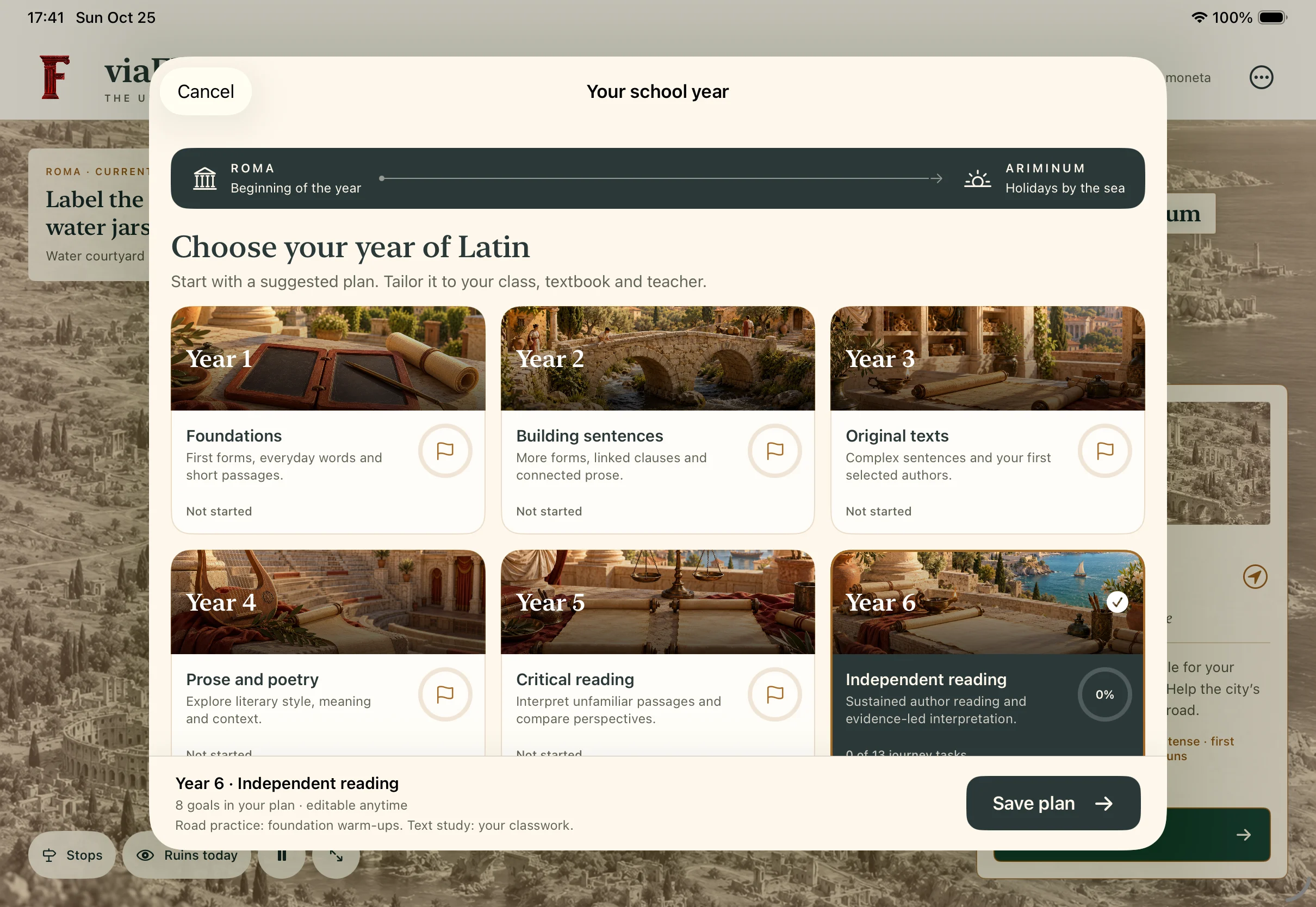
A plan for the year. Room to change it.
See how a
sentence works.
Bring in a passage. Focus on one sentence, add vocabulary and grammar notes, then build your translation beside the Latin.
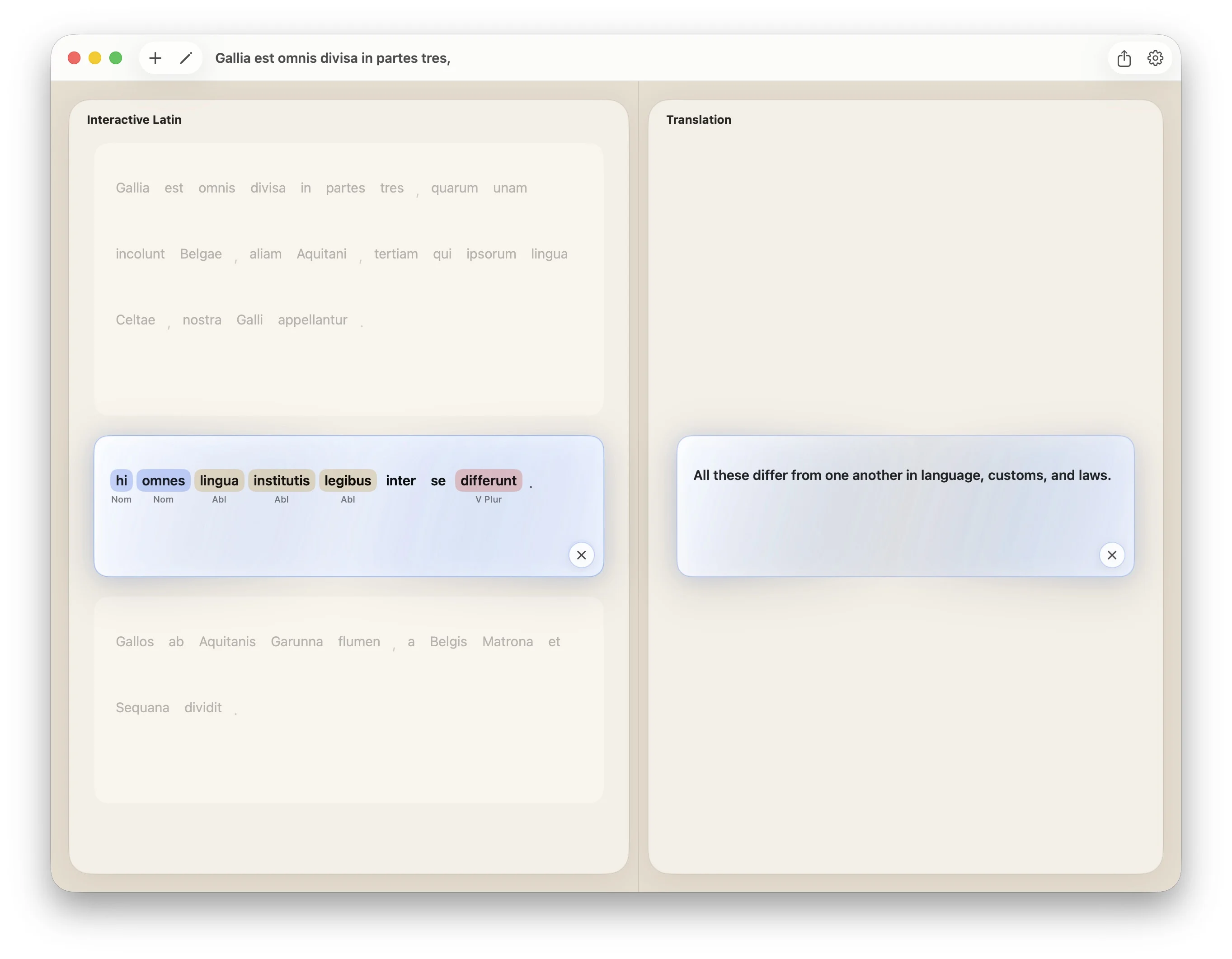
- 01
Read closely
Keep one sentence in focus, with the passage still in view.
- 02
Mark your reasoning
Add vocabulary and grammar notes as you go.
- 03
Write and revise
Build your translation beside the Latin and refine it step by step.
Progress you can
talk about.
Review practice, revisit tricky forms, and share a learning report with your teacher.
View an example report (English) (PDF, opens in a new tab)A few things
to know.
Quick answers to common questions about using viaFlaminia in your Latin class or on your own.
Which devices can I use?
viaFlaminia is available for iPad and Mac through the App Store. Choose iPad for touch-first study or Mac for your desktop workspace.
Can I use my own textbook?
Yes. Choose a suggested year plan, then scroll down to tailor its goals, add custom content, and keep your textbook and teacher’s recommendations alongside it. Import passages you are permitted to use into the translation workspace.
Does viaFlaminia translate for me?
You do the reading, grammar work, and drafting. Optional AI Assist Premium provides sentence-level grammar and translation comparisons to help you review and revise your reasoning.
Your journey
starts in Roma.
Build confidence, one sentence and one stop at a time.