
Source care
Verify the text before analysis.
An OCR mistake can look like a grammar problem. A missing macron, a confused letter, or a broken line can send the whole translation in the wrong direction.
Before you mark morphology, compare the imported text with the source and fix obvious errors.
A clean setup
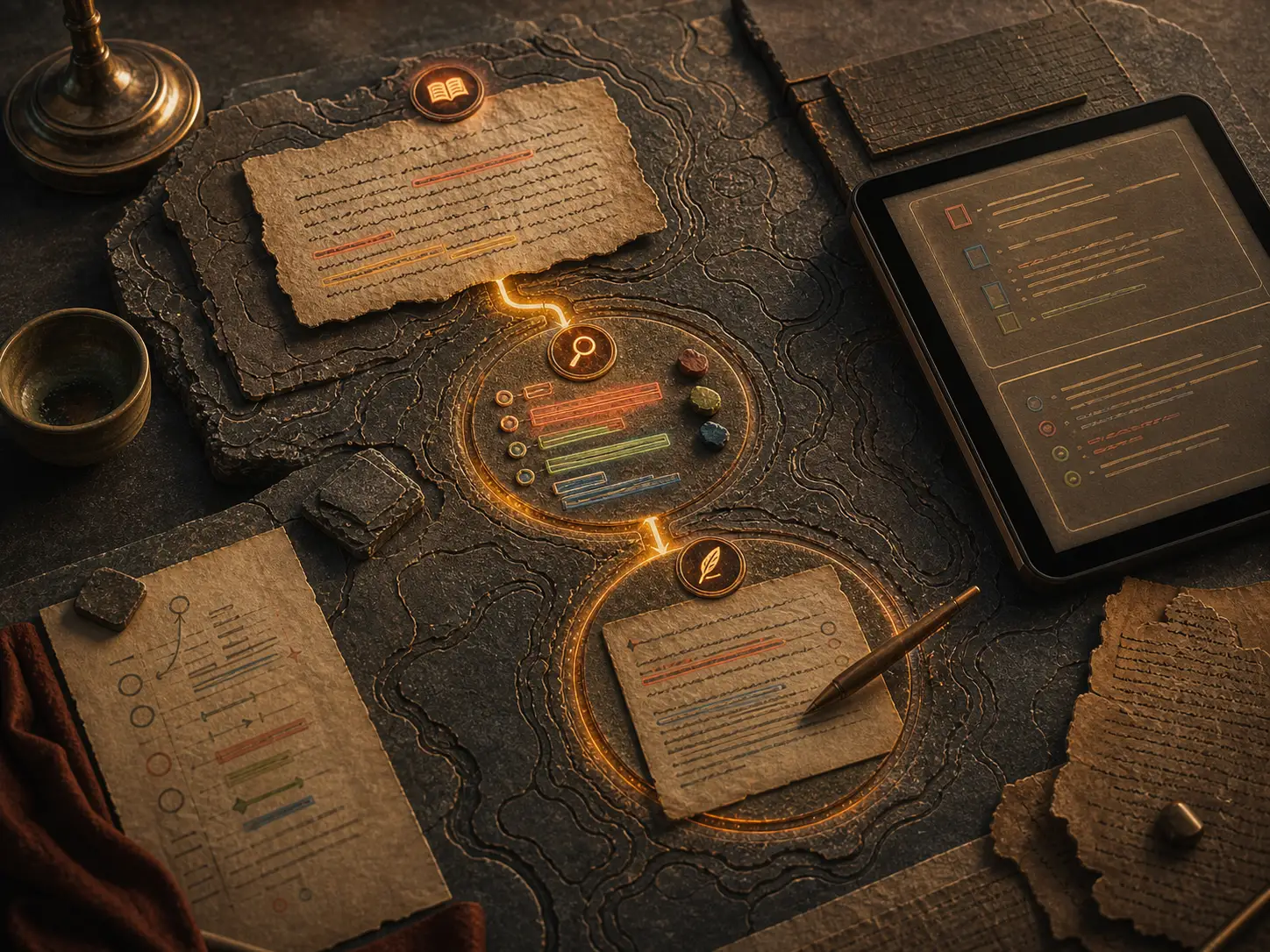
Prepare the passage in stages.
- Use only public-domain, licensed, owned, or otherwise lawful material.
- Import, paste, drag, or capture the passage where supported.
- Check line breaks, names, punctuation, and sentence boundaries.
- Focus one sentence before adding glosses or drafting.
- Keep the source nearby when a form or word looks suspicious.
Translation starts after setup
A clean source makes the method work.
The point of importing a PDF or scan is not to automate the whole passage. It is to give the learner a reliable starting text so the real translation work can happen sentence by sentence.
viaFlaminia
How viaFlaminia helps
viaFlaminia supports text import and capture workflows, then moves the passage into the same sentence-focus, gloss, morphology, and drafting method. Source care and translation method belong together.
Do not let a bad source pretend to be a hard sentence.
Source ruleKeep learning
Use these guides as a method, not a shortcut. The stronger habit is to make each translation decision visible before accepting a final English sentence.
FAQ
Before you start.
Can I scan any Latin book?
Use only public-domain, licensed, owned, or otherwise lawful material, and do not redistribute captured text unless you have permission or another legal basis.
Is OCR perfect?
No. Always verify the source before treating an imported text as grammar evidence.