What PDF compression does
PDF compression tries to reduce the number of bytes in a PDF while keeping the document useful. The visible result depends on the file: a scan, photo-heavy report, and text-only document behave differently.
Category guide
In practical use, PDF compression reduces file size so a document can be emailed, uploaded, submitted, archived, or shared. On a Mac, that can happen locally in an app or through an online compressor.
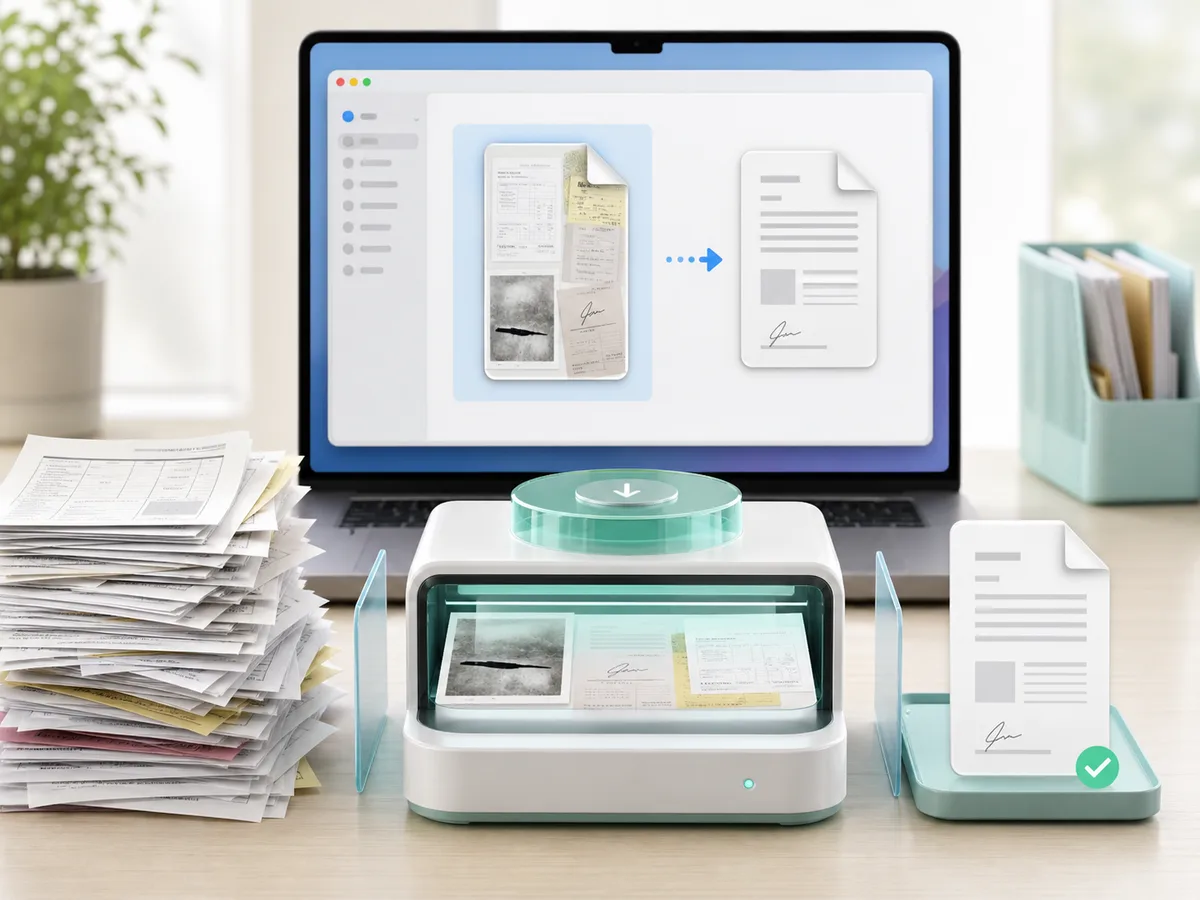
PDF compression tries to reduce the number of bytes in a PDF while keeping the document useful. The visible result depends on the file: a scan, photo-heavy report, and text-only document behave differently.
Scanned PDFs, OCR packets, signed forms, receipts, screenshot-heavy files, and reports with embedded images usually have more room to shrink than plain text PDFs.
Local compression keeps the core workflow on the Mac. Online compressors usually require uploading the file, waiting for remote processing, and downloading the output.
No tool can guarantee that every PDF will reach every outside limit. Some files are already optimized or contain content that cannot be made much smaller without visible tradeoffs.
Where DropMachine fits
DropMachine is built for PDFs and common images that are already ready to send or submit. Drop the file onto the app or Dock icon, let the app reduce it locally, and keep the smaller result only when it helps.
Mac PDF compression
DropMachine is one practical way to handle this locally on macOS.